监测 K8S 安全威胁
安装Flaco
添加Helm 仓库
~# helm repo add falcosecurity https://falcosecurity.github.io/charts
~#  helm repo update
安装
### 创建一个PVC
~/flaco# vim nfs-pvc-flaco.yaml
apiVersion: v1
kind: PersistentVolumeClaim
metadata:
  name: falco-falcosidekick-ui-redis-data-falco-falcosidekick-ui-redis-0
  namespace: falco
spec:
  accessModes:
    - ReadWriteMany
  resources:
    requests:
      storage: 2Gi
  storageClassName: nfs-csi-th

~/flaco# kubectl create ns falco
~/flaco# kubectl apply -f nfs-pvc-flaco.yaml

### 安装
~/flaco# helm install falco -n falco --set driver.kind=ebpf --set tty=true falcosecurity/falco --set falcosidekick.enabled=true --set falcosidekick.webui.enabled=true --create-namespace --version 6.2.2
~/flaco# kubectl get po -n falco
NAME                                      READY   STATUS    RESTARTS   AGE
falco-falcosidekick-7687c75d94-89zrn      1/1     Running   0          36m
falco-falcosidekick-7687c75d94-btb5g      1/1     Running   0          36m
falco-falcosidekick-ui-5f585c96bb-ht6ll   1/1     Running   0          36m
falco-falcosidekick-ui-5f585c96bb-tnp89   1/1     Running   0          36m
falco-falcosidekick-ui-redis-0            1/1     Running   0          36m
falco-fvgzz                               2/2     Running   0          36m
falco-t6p75                               2/2     Running   0          36m
运行一个测试容器
~/flaco# cat flaco-deployment.yaml
kind: Deployment
apiVersion: apps/v1
metadata:
  name: spring-boot-helloworld
  labels:
    app: spring-boot-helloworld
spec:
  replicas: 1
  selector:
    matchLabels:
      app: spring-boot-helloworld
  template:
    metadata:
      name: spring-boot-helloworld
      labels:
        app: spring-boot-helloworld
    spec:
      containers:
      - name: spring-boot-helloworld
        image: registry.cn-zhangjiakou.aliyuncs.com/tanghao-public/spring-boot-helloworld:v0.9.5
        ports:
        - name: http
          containerPort: 80
          protocol: TCP
---
kind: Service
apiVersion: v1
metadata:
  name: spring-boot-helloworld
  labels:
    app: spring-boot-helloworld
spec:
  ports:
    - name: http
      protocol: TCP
      port: 80
      targetPort: 80
  selector:
    app: spring-boot-helloworld

# kubectl apply -f flaco-deployment.yaml
执行安全事件命令
~/flaco# kubectl exec -it spring-boot-helloworld-674f5fb6f-6rszh -- sh -c "uptime"
 15:42:37 up 1 day,  6:54,  0 users,  load average: 0.37, 0.35, 0.38
查看 flaco 输出的安全日志
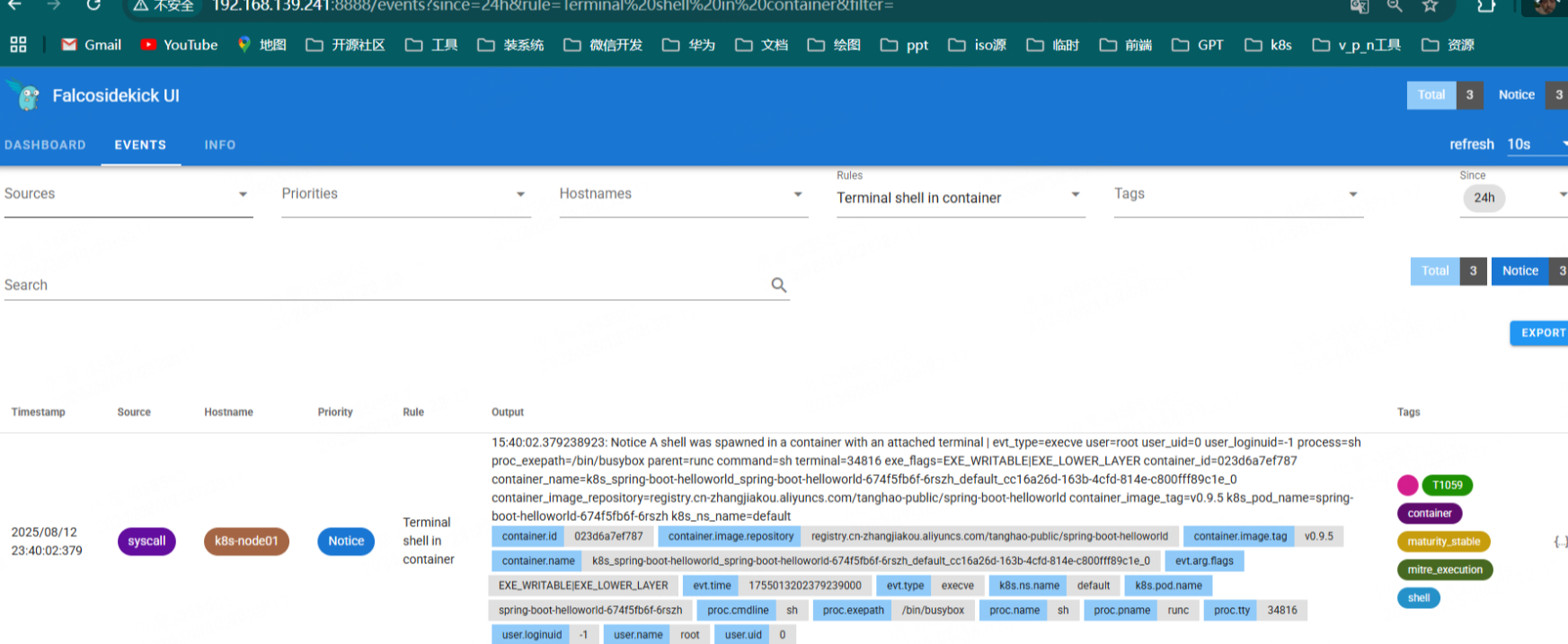
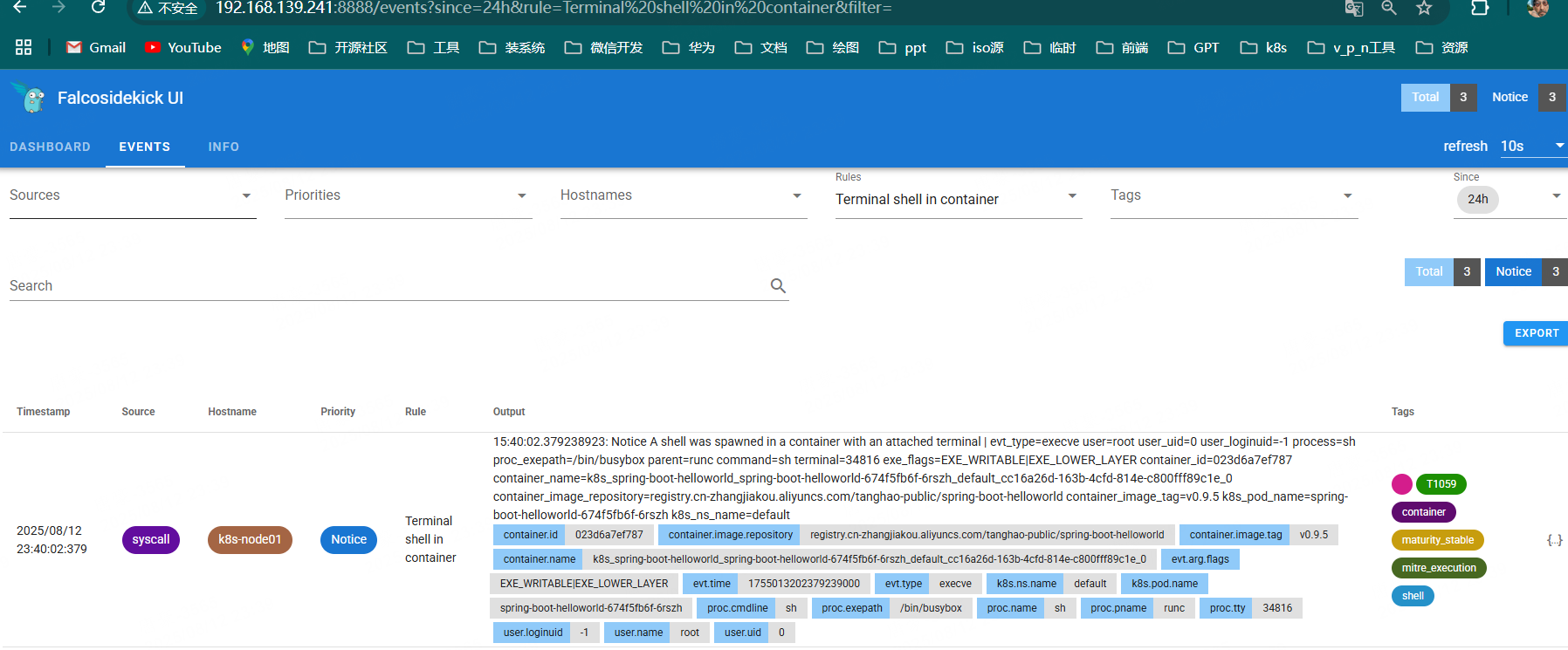
~/flaco# kubectl logs -f -n falco falco-t6p75
{"hostname":"k8s-node01","output":"15:30:45.285198582: Notice A shell was spawned in a container with an attached terminal | evt_type=execve user=root user_uid=0 user_loginuid=-1 process=sh proc_exepath=/bin/busybox parent=containerd-shim command=sh terminal=34816 exe_flags=EXE_WRITABLE|EXE_LOWER_LAYER container_id=023d6a7ef787 container_name=k8s_spring-boot-helloworld_spring-boot-helloworld-674f5fb6f-6rszh_default_cc16a26d-163b-4cfd-814e-c800fff89c1e_0 container_image_repository=registry.cn-zhangjiakou.aliyuncs.com/tanghao-public/spring-boot-helloworld container_image_tag=v0.9.5 k8s_pod_name=spring-boot-helloworld-674f5fb6f-6rszh k8s_ns_name=default","output_fields":{"container.id":"023d6a7ef787","container.image.repository":"registry.cn-zhangjiakou.aliyuncs.com/tanghao-public/spring-boot-helloworld","container.image.tag":"v0.9.5","container.name":"k8s_spring-boot-helloworld_spring-boot-helloworld-674f5fb6f-6rszh_default_cc16a26d-163b-4cfd-814e-c800fff89c1e_0","evt.arg.flags":"EXE_WRITABLE|EXE_LOWER_LAYER","evt.time":1755012645285198582,"evt.type":"execve","k8s.ns.name":"default","k8s.pod.name":"spring-boot-helloworld-674f5fb6f-6rszh","proc.cmdline":"sh -c uptime","proc.exepath":"/bin/busybox","proc.name":"sh","proc.pname":"containerd-shim","proc.tty":34816,"user.loginuid":-1,"user.name":"root","user.uid":0},"priority":"Notice","rule":"Terminal shell in container","source":"syscall","tags":["T1059","container","maturity_stable","mitre_execution","shell"],"time":"2025-08-12T15:30:45.285198582Z"}
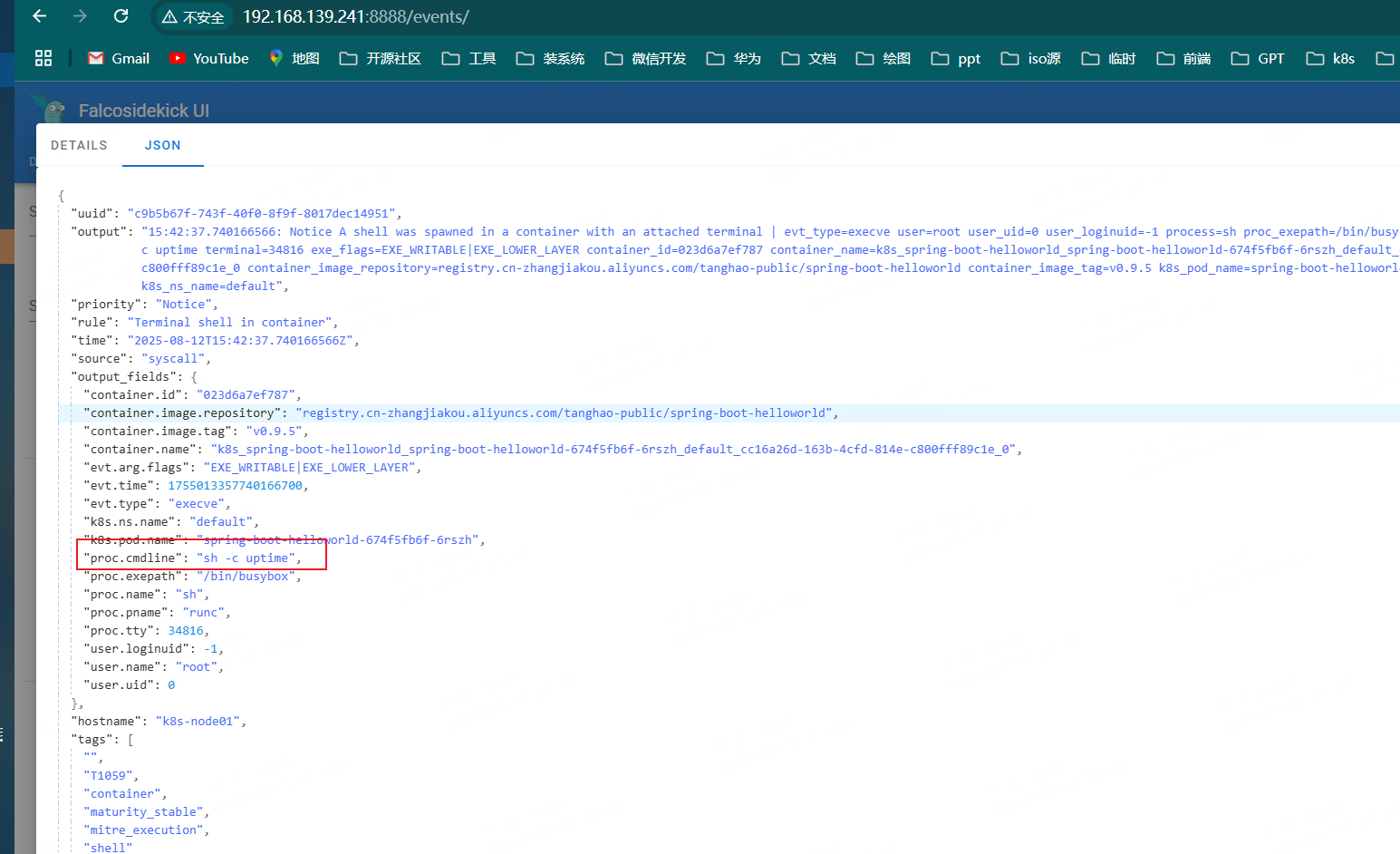
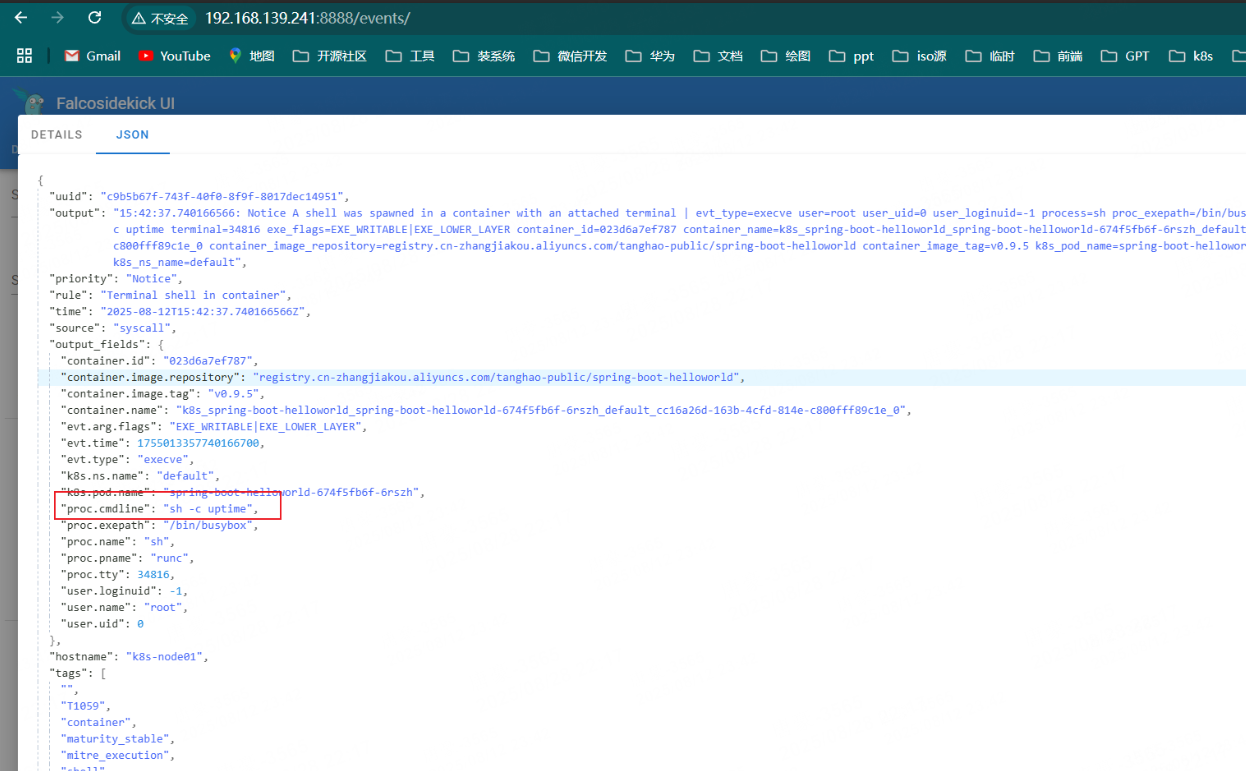
转发 ui 界面
~/flaco# kubectl port-forward -n falco svc/falco-falcosidekick-ui --address 0.0.0.0 8888:2802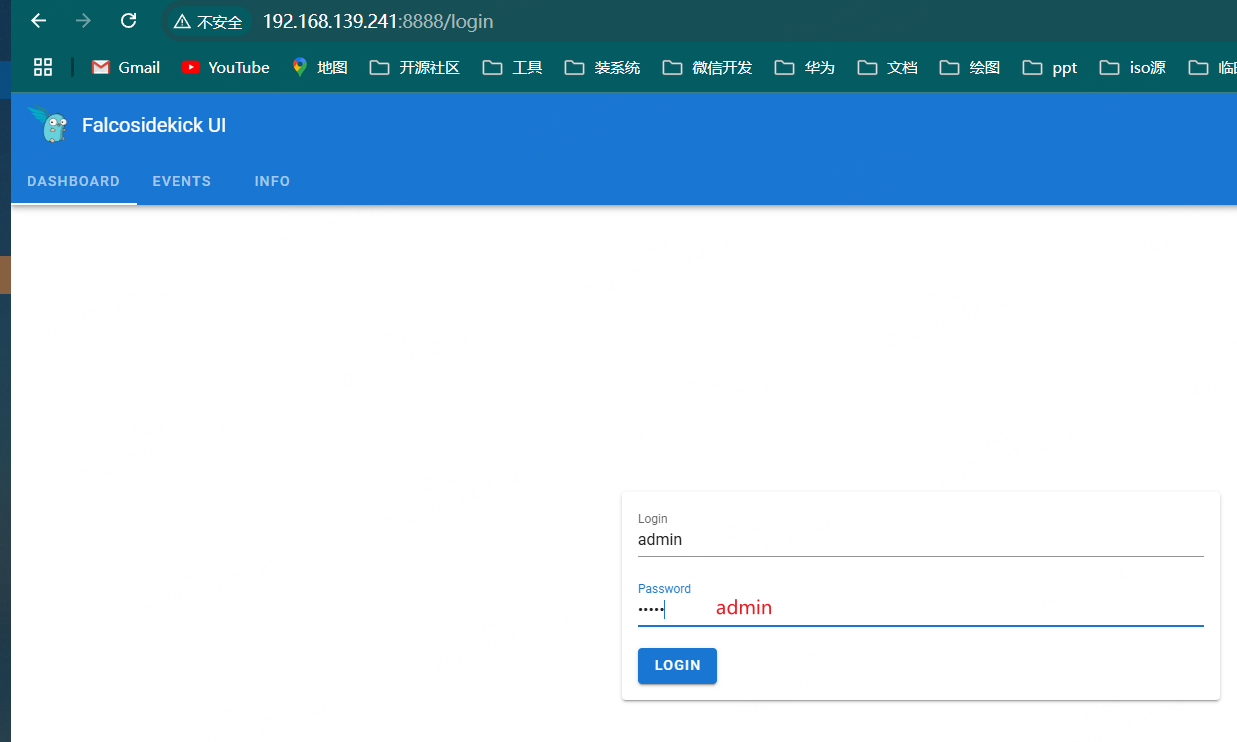

文章评论